Viewing Components
To view repositories and their contents, choose the appropriate method in the left-side menu:
-
Search- search for individual components in repositories.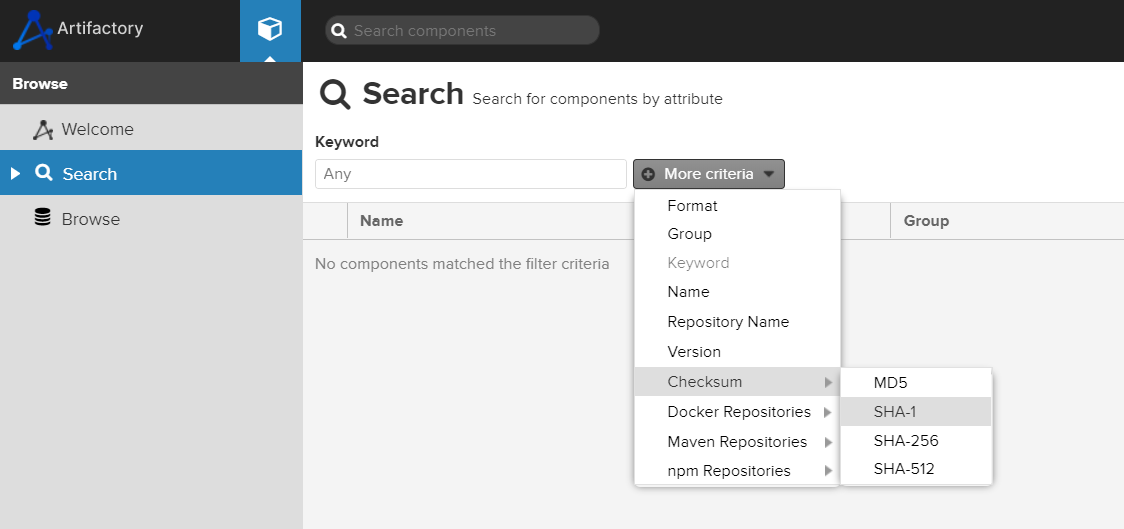
To refine your search, you can add search criteria. To do this, click
More criteriaand select the required parameters. Enter the values in the displayed fields or remove unnecessary criteria by clicking the minus icon.
The search results will appear below in a table, where you can open the required component or sort the results. -
Browse- view the full contents of repositories. To see the artifacts stored in the service repositories, open theBrowsetab. All resources available to you and their hierarchical structure are displayed here.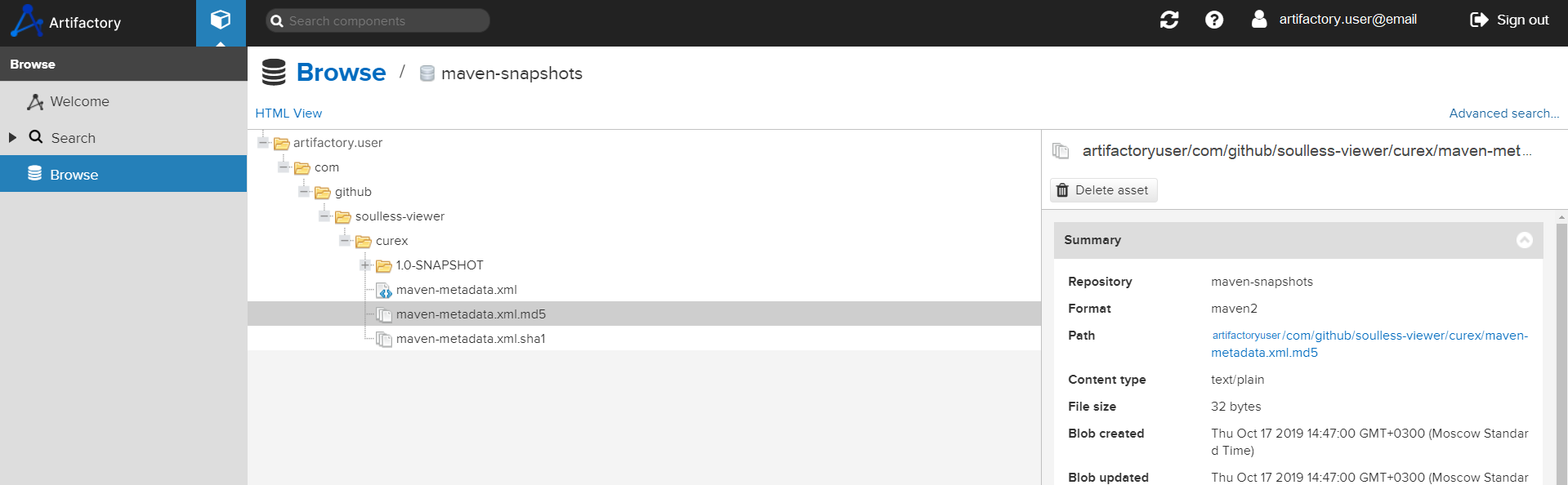
Artifact Information
To view information about a component, select it in the directory tree. A details panel will appear on the right with the following tabs:
Summary- general information about the artifact;Usage- ways to use the item;Attributes- artifact properties.
In the item panel, you can view the object contents and properties, download or copy it, as well as move or delete it.