Commenting Files
Any file or folder in ICDC Disk can be commented on.
Open the context menu of the file or folder and select Open details.
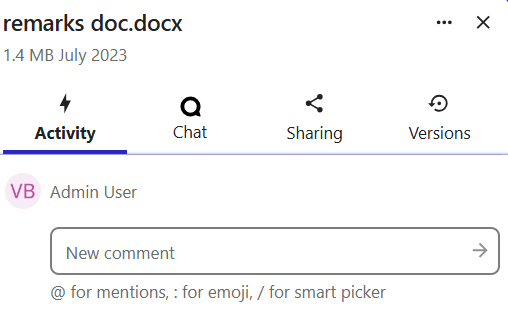
Then go to the Activity tab in the side panel and leave your comment in the text field.
Any file or folder in ICDC Disk can be commented on.
Open the context menu of the file or folder and select Open details.
Then go to the Activity tab in the side panel and leave your comment in the text field.