Automatic File Deletion
File versions are stored in ICDC Disk until their total size reaches 50% of the user’s storage quota.
Once this threshold is reached, the oldest versions are automatically deleted.
If you need to remove specific file versions, you can contact Support team.
Recycle Bin
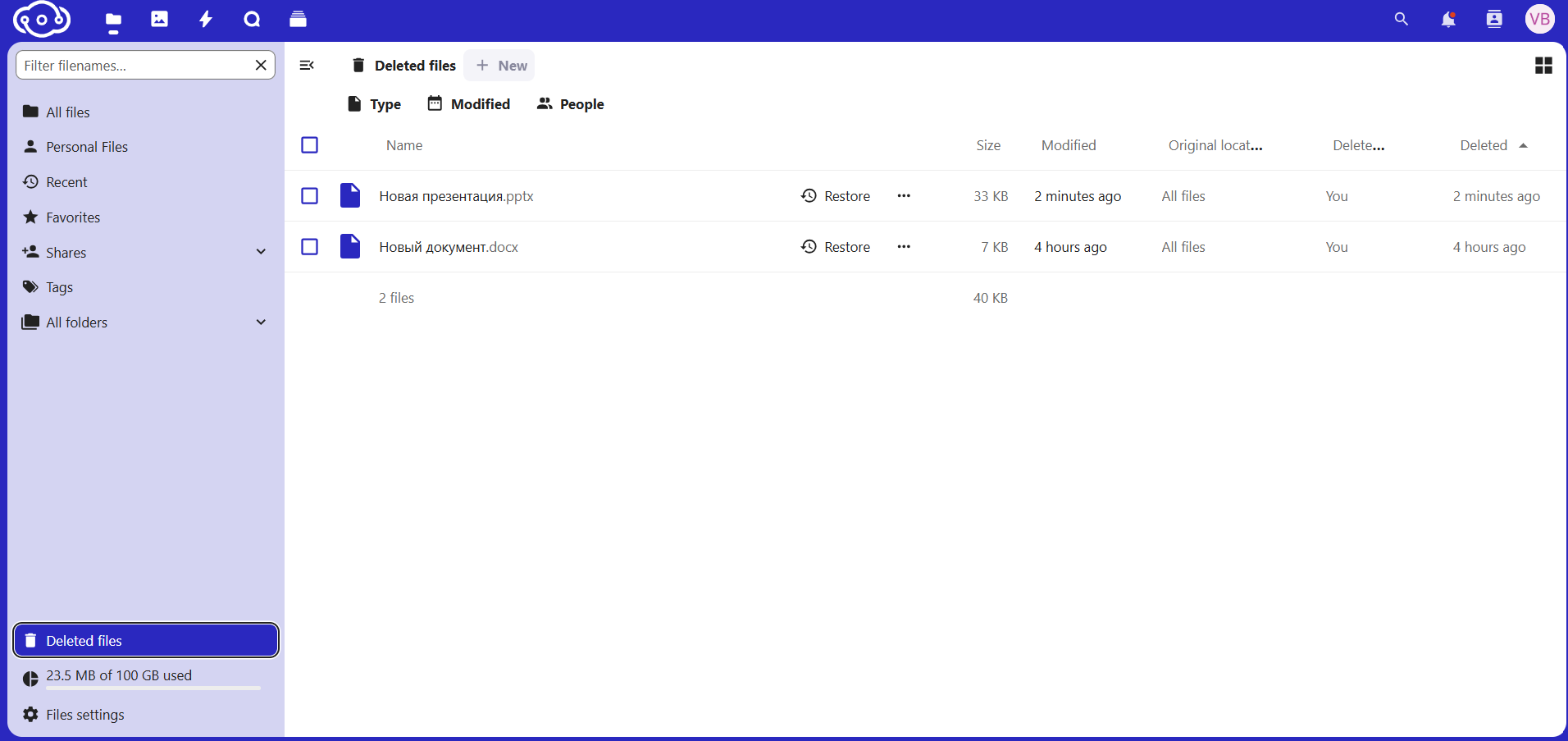
When you click the Delete button, files are moved to the Recycle Bin instead of being permanently removed from storage. You can restore files from the Recycle Bin if needed.
To view the contents of the Recycle Bin, click the Deleted files icon in the lower-left corner.
Note
User recycle bins are automatically cleared once a week.