Creating Files
In ICDC Disk, you can create files in various formats.
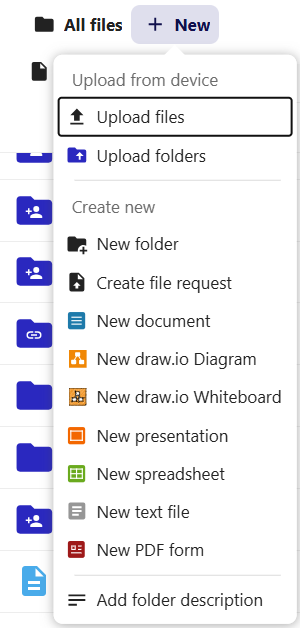
To create a document, go to the All files or Personal files tab and click + New.
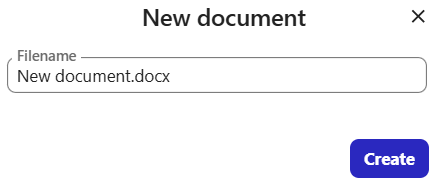
In the menu that appears, select the desired document type, enter a name, and click Create:
The new file will appear in the root folder where it was created.