Search
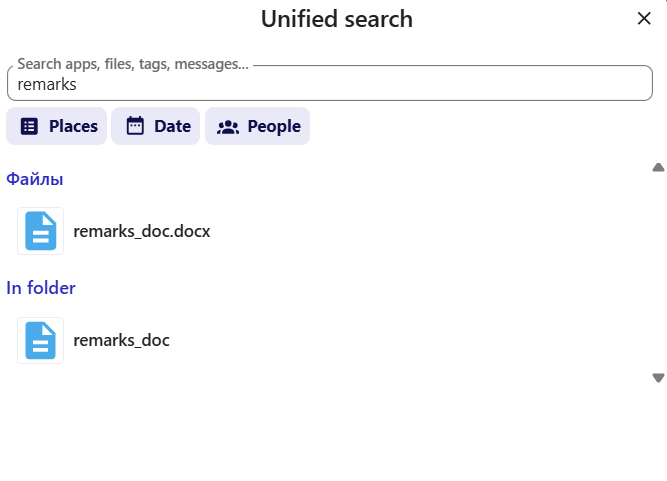
To search for files and text fragments within documents stored on the disk (including full-text search across documents and PDF files), click the magnifying glass icon on the main panel.

Then enter a file name or a text fragment, and if needed, refine your search criteria by selecting a folder, date, or users.
Case-insensitive search
Search in ICDC Disk is case-insensitive.